Mobile guide
Casper Spins Mobile and App Options
 Available in GB
The safest current way to use Casper Spins on a phone is the mobile browser site. Mobile-browser access is verified, while claims about dedicated iOS and Android apps conflict across current third-party sources. We did not find a reliable official App Store or Google Play listing during this publication check, so this page does not direct readers to an APK, an unofficial download page or a supposed store app. Use the operator’s current mobile website first and treat any install prompt as something to verify before accepting.
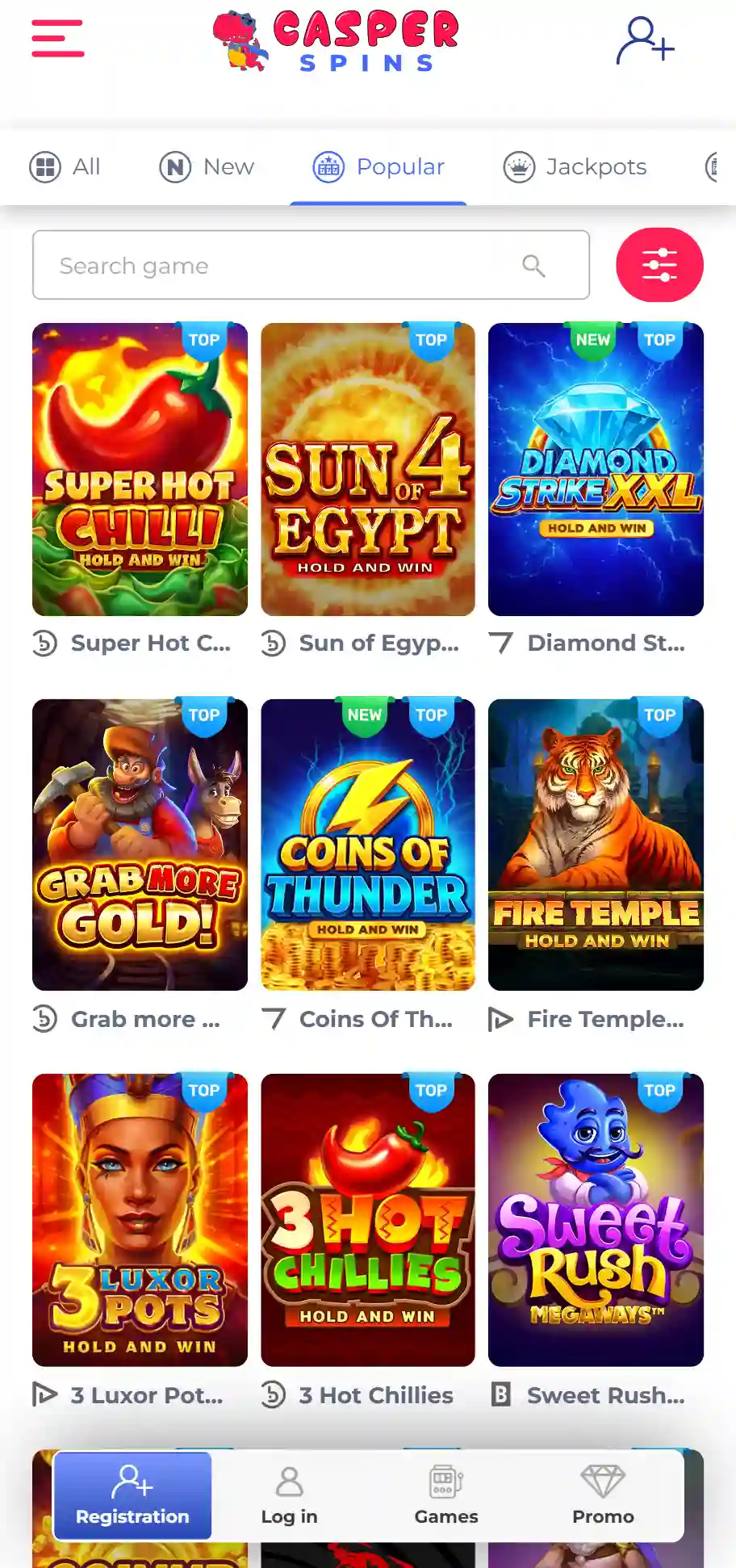
Table of Contents
- What is verified on mobile
- Why the app question is unusually messy
- How to use Casper Spins in a mobile browser
- Browser shortcut, PWA and native app are not the same thing
- Playing games and live casino on a phone
- Mobile account access and registration
- What to do if an official app appears later
- A quick verification routine before installing anything
- The safest way to use Casper Spins on mobile
What is verified on mobile
Casper Spins can be accessed in a mobile browser. That is the stable point across the research and it is enough to provide a usable phone route without relying on a native application. A browser-first approach also avoids the main risk in the current search results: several third-party pages make incompatible claims about Android APKs, iOS apps and store availability.
Because those claims conflict, a download link from an affiliate or review page should not be treated as proof that an app is official. The absence of a verified store listing in this check does not prove that Casper Spins will never release or distribute an app; it simply means there is not enough current official evidence here to instruct you to install one.
Why the app question is unusually messy
Current third-party pages disagree in several ways. Some say both iOS and Android native apps exist. Others say Android is distributed as an APK while iOS remains browser-only. Another recent page says there is no App Store or Google Play app at all. These statements cannot all describe one stable current distribution model.
That conflict is exactly why this guide separates two questions: can Casper Spins be used on a phone, and is there a verified native app? The first answer is yes through the browser. The second is not established well enough to publish as a definite claim. A branded download button on a third-party site is not the same as an official store listing or an operator-controlled download surface.
Avoid unverified APK files
Do not install a Casper Spins APK from a review site, file mirror, forum or unknown domain. An Android package can request device permissions and execute code, so the source matters. Only consider a download when you can independently confirm that it comes from the operator’s official current distribution channel.
How to use Casper Spins in a mobile browser
Open the current operator website in your normal browser and sign in through the same account flow you would use on desktop. Mobile browser access avoids a separate software install and keeps updates on the server side, so interface changes appear without asking you to download a new package.
Before depositing or playing, confirm that the address bar shows the domain you intended to visit and that your browser reports a secure HTTPS connection. Do not follow download prompts that unexpectedly move you to a different domain. If you save a shortcut to the home screen, understand that a shortcut or progressive web app can look app-like while still being a website rather than a native App Store or Google Play application.
Browser shortcut, PWA and native app are not the same thing
| Format | What it is | What to verify |
|---|---|---|
| Mobile website | A responsive site opened in Safari, Chrome or another browser. | Correct domain and secure connection. |
| Home-screen shortcut or PWA | A website saved to the device and launched from an icon. | That it still points to the official site. |
| Native app | Installed software distributed through a store or operator channel. | Publisher identity and official distribution source. |
| APK | An Android installation package outside Google Play. | Operator-controlled source; avoid third-party mirrors. |
This distinction matters because a site can advertise an ‘app-like’ experience without maintaining a native store app. If Casper Spins offers an install prompt in the browser, inspect what the prompt actually does. Adding the site to your home screen is different from downloading executable software.
Playing games and live casino on a phone
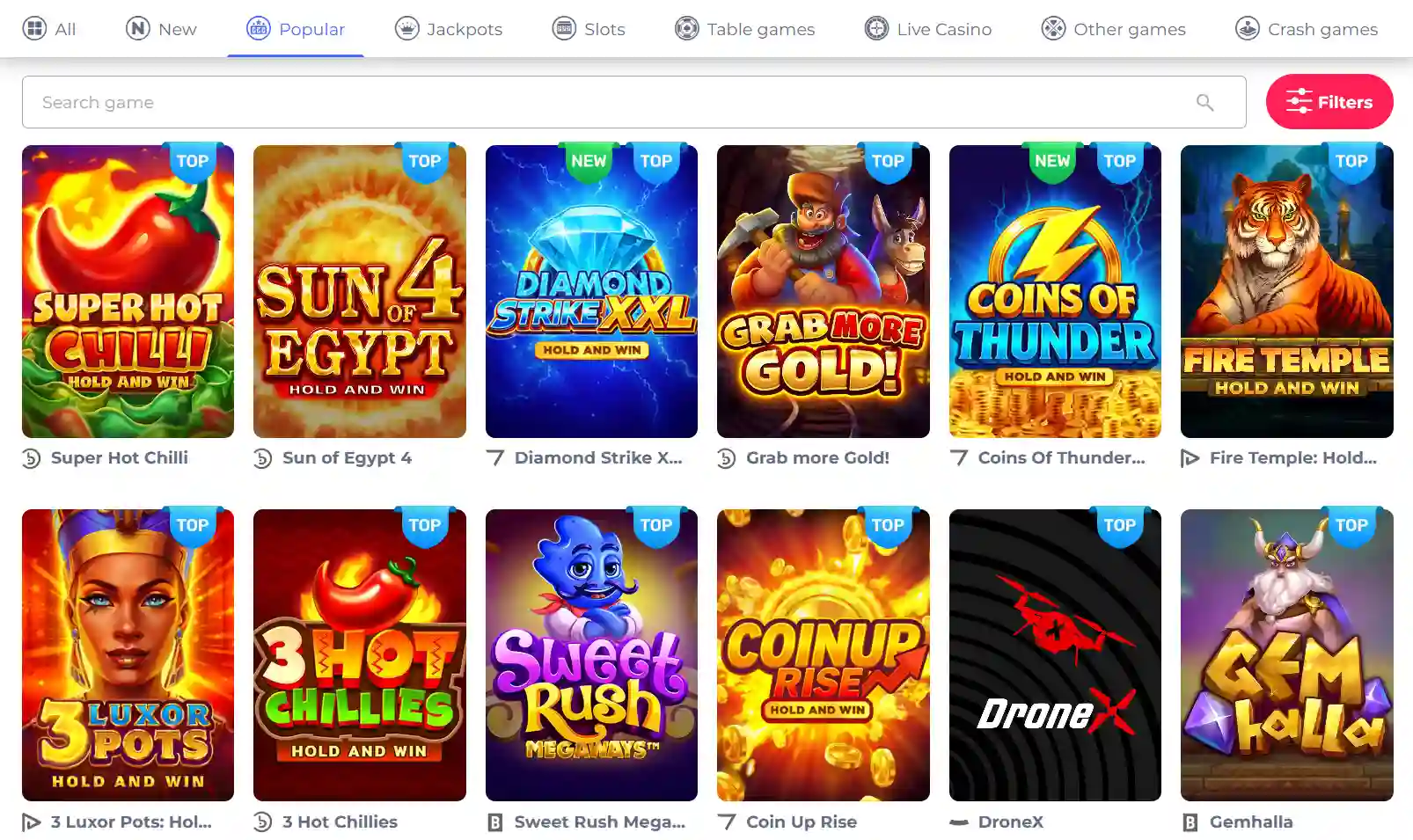
The broader casino includes slots, table games and live casino, and mobile-browser access provides the route to check what is playable on your device. The most useful test is practical: launch the category you care about, check whether the controls fit the screen and confirm that the game loads without forcing an unverified download.
Live dealer games place extra demands on screen space and connection quality because the interface combines streamed video with betting controls. If that is your main interest, the live casino guide explains what to check in the live lobby. For the larger catalogue and provider picture, use the game library.
Mobile account access and registration
A mobile browser can also be used for account access, but this page deliberately does not duplicate the registration process or invent mobile-specific shortcuts. If you are opening an account, follow the current sign-up flow and review any verification request in context. The dedicated registration covers that process and the limits of what is currently verified.
Be especially cautious if a supposed mobile app asks for credentials before you have verified its publisher. Passwords should be entered only on a distribution channel or website you have independently confirmed. Where possible, use your password manager as another signal: it is more likely to recognise the legitimate domain than a lookalike site.
What to do if an official app appears later
If Casper Spins later publishes a native app, verify it from the operator’s own current website and then confirm the publisher identity on the relevant store page. Do not search a store name and assume the first similar result is connected to the casino. App names are easy to imitate, and unrelated products can contain the word ‘Casper’.
For Android, be particularly careful with direct APK distribution. A genuine operator may choose to distribute outside Google Play, but that route should be validated from an official operator-controlled page. This guide will not recommend enabling unknown-source installation on the basis of third-party marketing claims alone.
A quick verification routine before installing anything
If you encounter a Casper Spins download prompt, first return to the operator website by typing or using a trusted bookmark rather than following the prompt itself. Look for a mobile or download page that identifies the exact store listing or package. If it points to a store, compare the publisher name and linked privacy information. If it points to an APK, confirm that the file is delivered from an operator-controlled domain.
If those checks do not line up, use the browser version instead. The browser route is already sufficient for access and avoids turning an uncertain app claim into a device-security decision.
The safest way to use Casper Spins on mobile
Use the verified mobile website in your regular browser and treat it as the default route. Current sources do not agree on whether a native iOS app, Android app or APK is officially available, and this check did not establish an authoritative store listing. That makes browser access the clearest option today: no third-party package, no speculative store link and no need to trust an unverified download instruction.
If a native app becomes important to you, verify it from the operator’s own current mobile page before installing. For the overall platform context, including payments, games and licence information, return to the Casper Spins review.
Written by the editors at Casper Spins Casino.